Build AI apps
Turn an idea into a working app, without a computer-science degree.
Modern AI tools write most of the code for you. Your job is to describe the thing clearly, test it, and fix one issue at a time. That is a skill anyone can learn, and it is genuinely useful.
How a build actually goes
Five steps. The same loop every time, whatever you are making.
Describe the app in one sentence
Name the job it does and who it is for. “A UK lottery number checker” is enough to start. Clarity here saves hours later.
Choose the right tool
Claude and ChatGPT for building and reasoning through the app, Google AI Studio for AI-powered tools and quick prototypes. Three tools, no third-party app builder. Each tutorial shows which fits which job.
Build the first version
Give the tool your description, let it write the first version, then run it. You will have something clickable far faster than you expect.
Fix one thing at a time
Read the error, give it back to the AI, change one thing, run again. This loop is the whole skill. Calm and incremental beats clever.
Ship it somewhere real
Deploy to a free host or to Hostinger. A live link you can share is the goal. Polish after it exists, not before.
What I build with, and what I avoid
No secret stack. Three tools, used directly, and a clear line on what is not worth your time.
Three tools, used directly
- Claude for building, reasoning and fixing what breaks
- ChatGPT for a second opinion, content and quick logic
- Google AI Studio for AI-powered tools and fast prototypes
That is the whole stack. You write the app straight in these, so you understand it and can fix it.
The one-click app builders
- “Finished app from one prompt” tools that hide the workings
- Lock-in platforms you cannot export or fully control
- Anything you cannot debug when it breaks, and it will break
They look fast on day one. The output rarely lasts, and you are stuck the moment something goes wrong. Skip them.
Real examples to copy
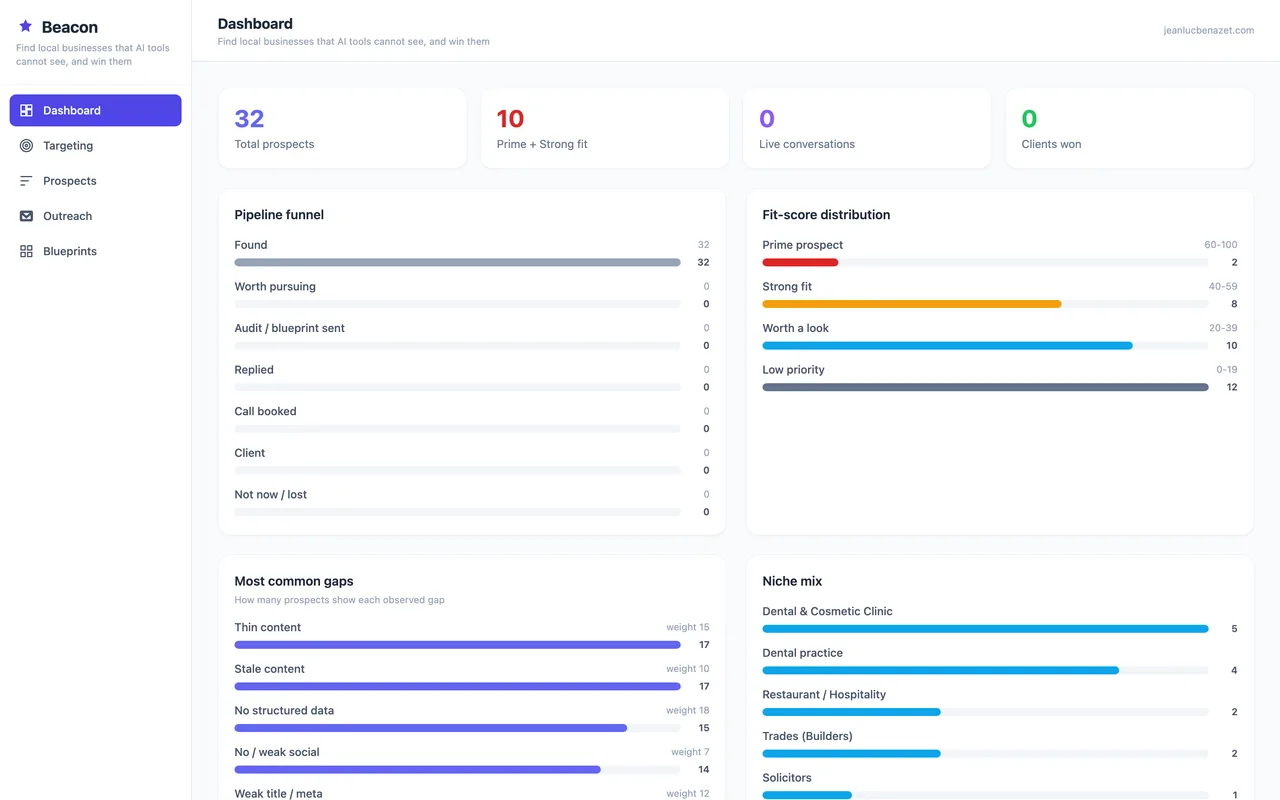
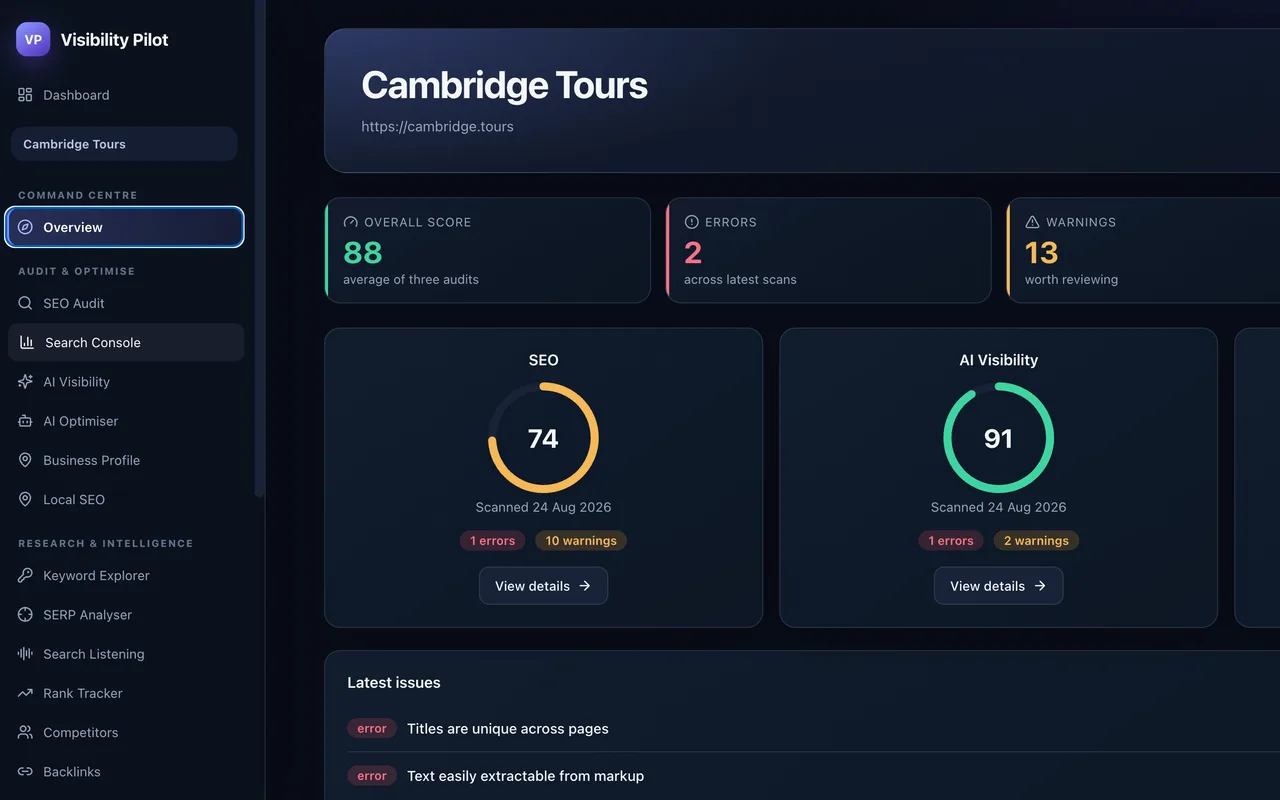
Visibility Pilot
A focused business helper app. The kind of narrow, genuinely useful tool that is realistic to build and run yourself.
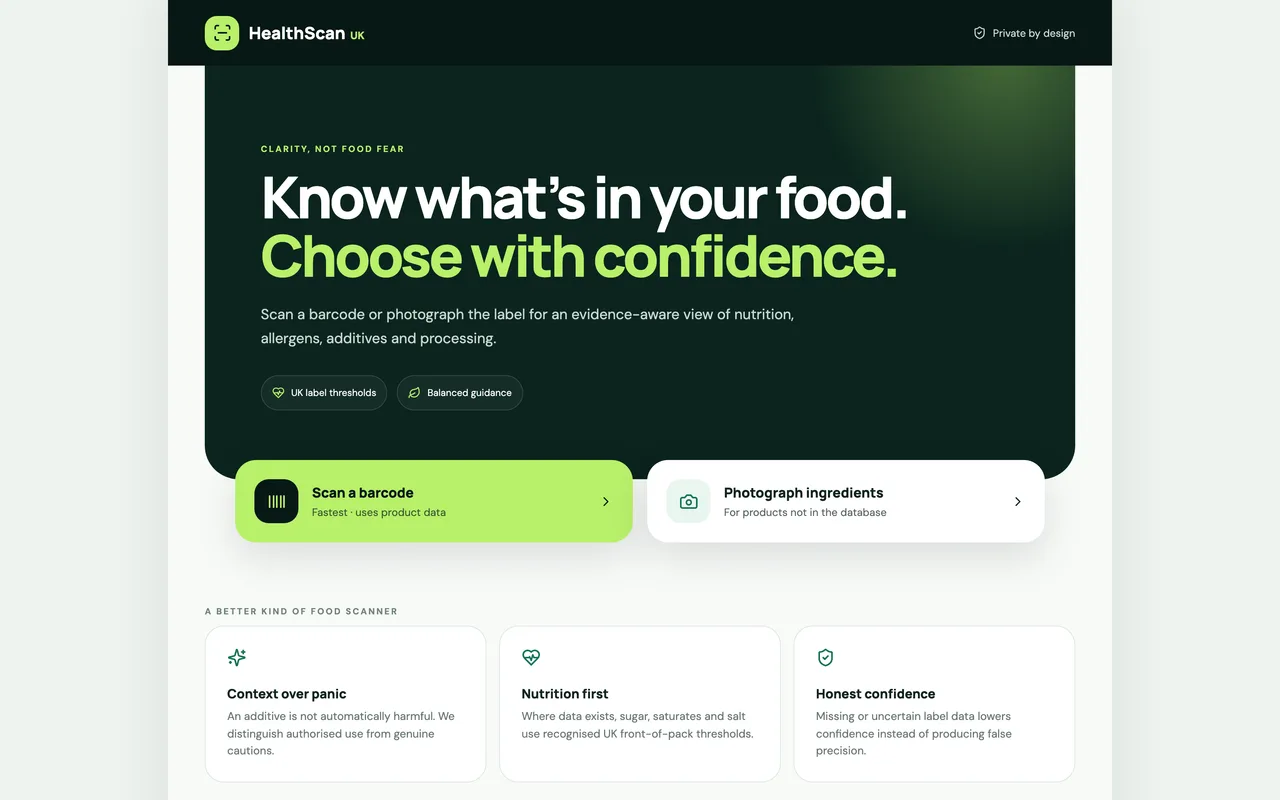
Built with Claude & ChatGPT
A working AI app built straight in Claude and ChatGPT, from blank screen to live tool. No third-party builder. The full walkthrough on YouTube.
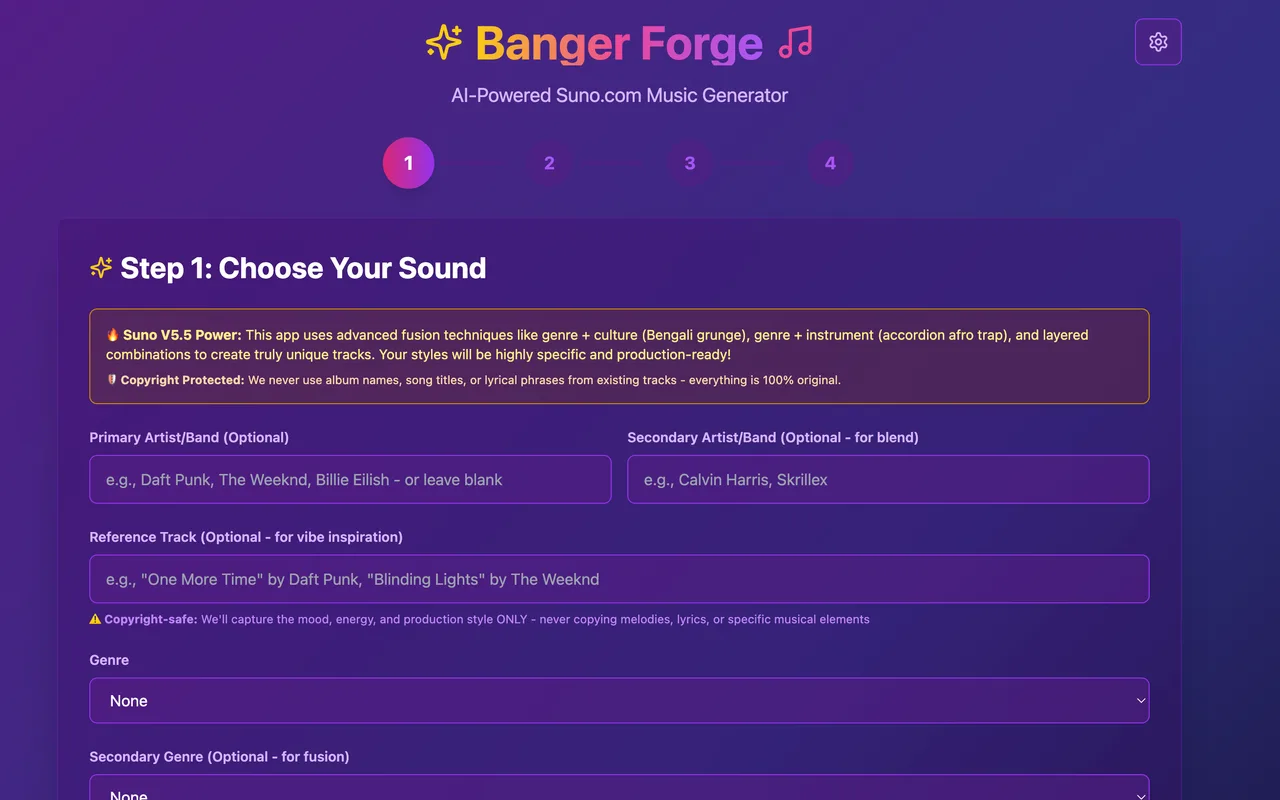
Google AI Studio projects
Prototype AI-powered tools fast, then turn the best ones into something you ship or sell.
The best first app is a small one
Pick a job you do often, build the tool that does it, and use it yourself. That is how the skill sticks.
Back to the basicsBuild AI apps
Questions before you start
Can I really build an app with no coding background?
Yes. Claude, ChatGPT and Google AI Studio turn a plain description into working software, and the AI helps you fix what breaks. You will pick up real understanding along the way, but you do not need it on day one.
Which tools do you actually use?
Just three: Claude, ChatGPT and Google AI Studio. I build straight in those, with no third-party app builder in between. I steer clear of the one-click builders that promise a finished app from a single prompt. The output rarely lasts, and you cannot fix what you do not understand. Everything in the tutorials is built with the three tools above.
How much does it cost?
You can build and test for free. Costs appear when you add a paid model, a database or custom hosting. The walkthroughs flag where spending is worth it and where the free tier is fine.
What can I actually build as a beginner?
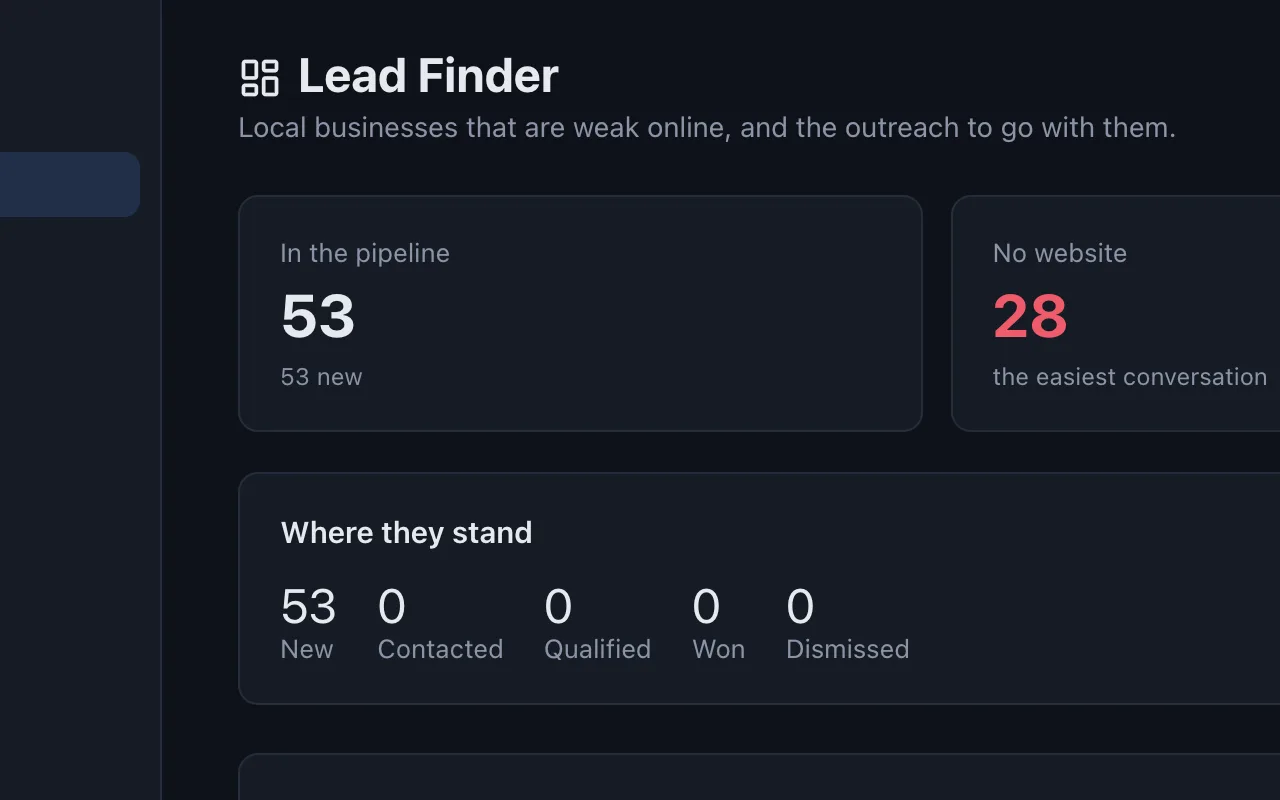
Useful, narrow tools: a checker, a calculator, a generator, a small business helper. Visibility Pilot is an example of a focused business app. Start narrow, finish it, then widen.